A common tool in any digital musician’s toolbox, particularly guitarists, is impulse responses. They capture a snapshot of the sonic characteristics of a speaker cabinet, which can then be replicated digitally. This makes it much easier to work in a DAW, since you don’t have to decide your sound when you record, you can record the line out signal directly and experiment with the speaker configuration afterwards. Not to mention that you have access to tons of different speaker cabinets without actually owning them, in databases such as TONE3000.
However, one thing that always frustrated me is that impulse responses are static. The microphone that is used to record the speaker cabinet can have a large impact on the sound, depending on placement, orientation, and type. But this is set in stone once you download one impulse response, and you may have to wade through many to find the perfect setup, if they are available at all.
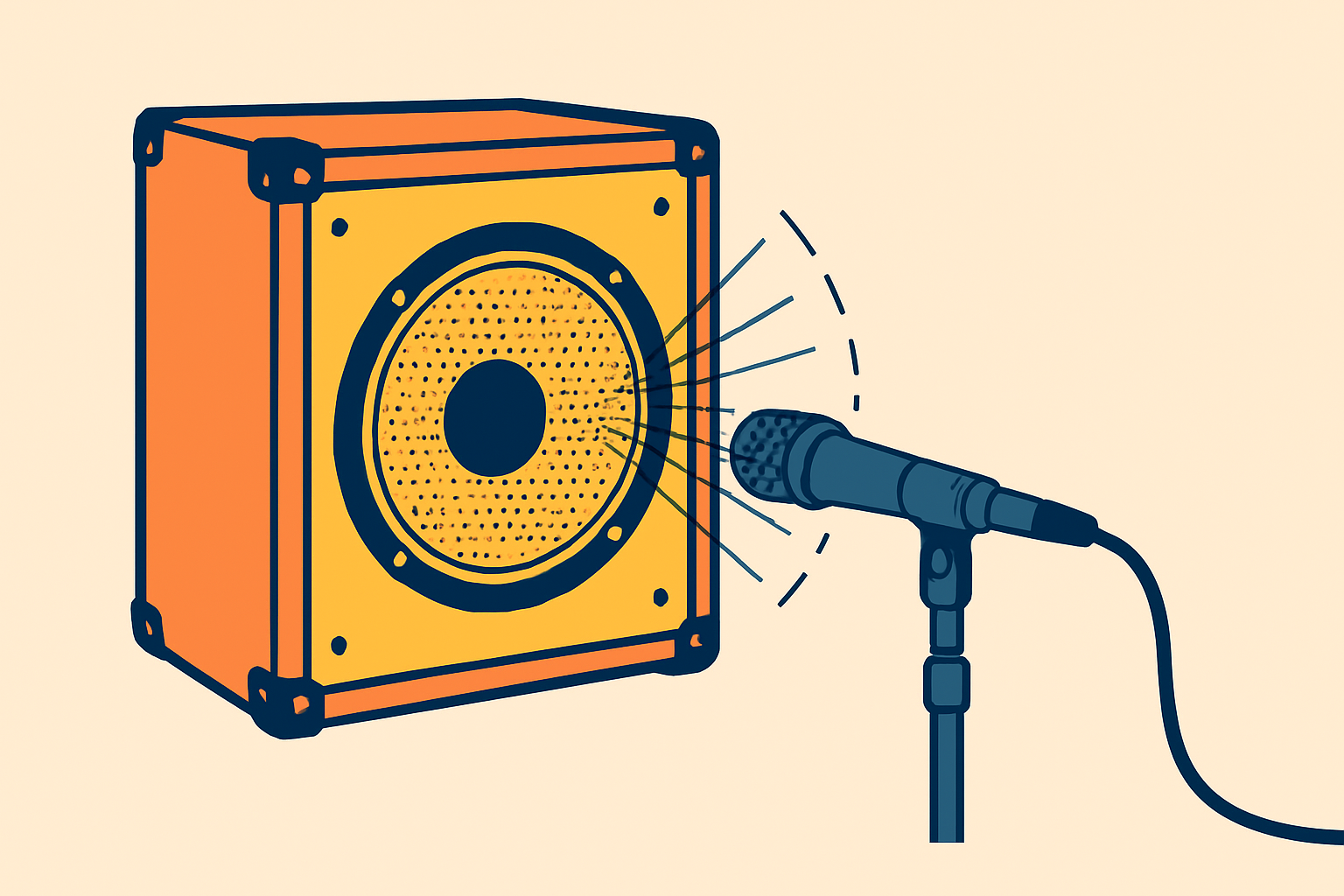
Some commercial plugins offer “dynamic” impulse responses where you can tweak these parameters, moving the microphone around in the space to alter the sound. Under the hood, this is really just a matrix of impulse responses recorded at various positions, and the plugin takes care of moving smoothly between them. I’m not aware of any non-commercial offerings like this, nor any that work on Linux, even among the commercial ones.
The problem can be divided in two:
- Obtaining a matrix of impulse responses for a particular speaker and microphone. When capturing a whole range of positions, it can potentially be quite a large number of impulse responses.
- Organizing and utilizing this matrix of impulse responses in an efficient manner, making actual usage as smooth as possible when doing audio production.
This blog post will focus primarily on point 2, although I will briefly discuss point 1 also later.
Using many impulse responses
The existing impulse response loaders that I could find around this time, focus either on loading one single impulse response at a time, or a couple of them to crossfade between. Examples of the former are the LSP Impulse Responses plugins or brummer10’s simple ImpulseLoaderStereo. One example of the latter is brummer10’s Ratatouille plugin, which can blend two impulse responses together (and which can also load Neural Amp Profiles, but that is a subject for another day).
However, none of the plugins I found were able to handle many impulse responses at once, arranged in a matrix. Hence, I set out to write my own.
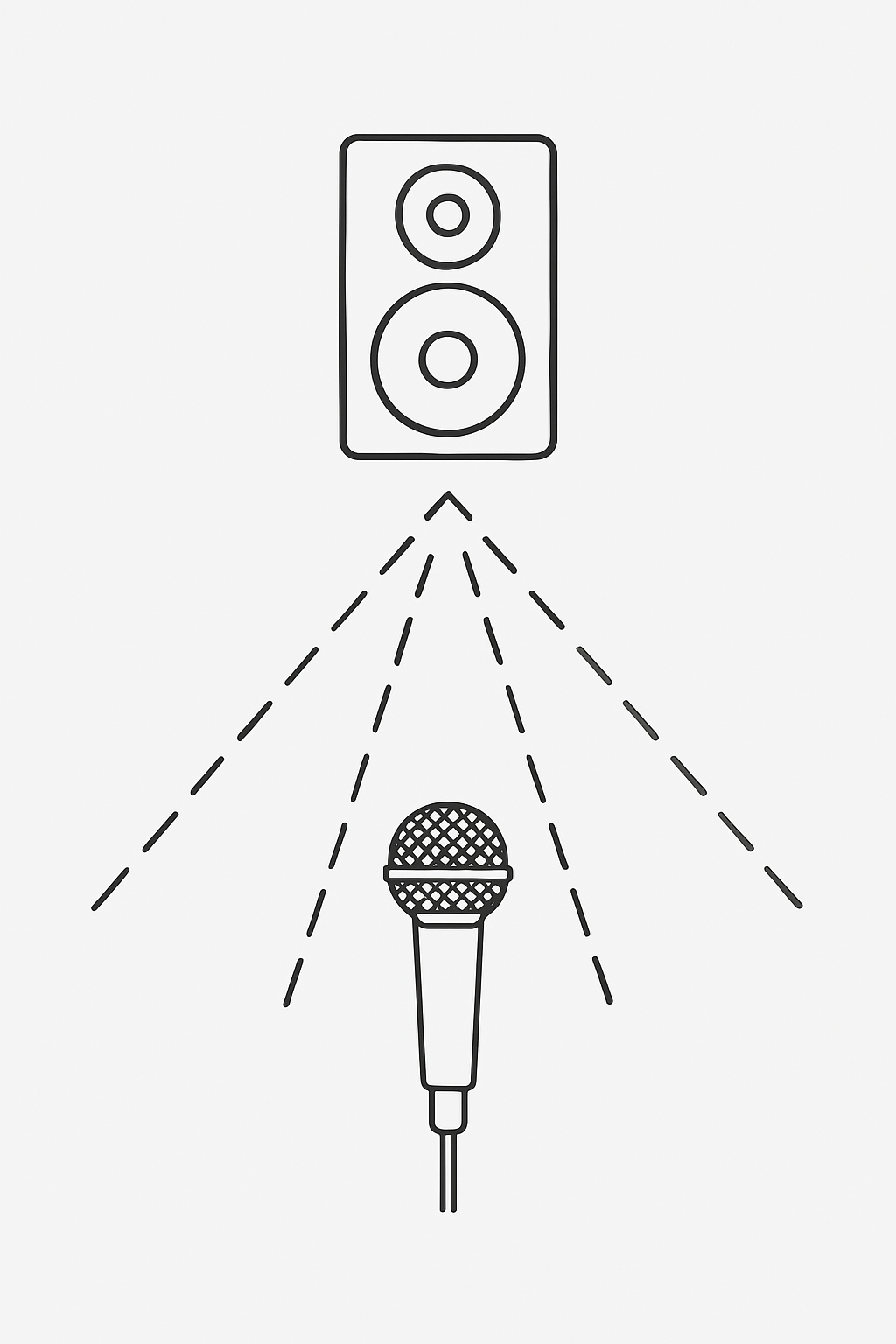
And hence I present Matrix-convolver, a plugin specifically designed to take in a massive amount of impulse responses and arrange them in a convenient way so you can move in the “space” by tweaking a few parameters. For example, two parameters could be: Distance from the speaker center cone, and distance between the microphone and the cabinet.
The way this is done is that it doesn’t load impulse responses in a traditional way like most plugins. Instead, it loads a special collection file, which describes which impulse responses exist, and their position in the space. Then the plugin exposes those spacial properties as parameters, and this is how you tweak and adapt the sound.
This allows for a much more fluid method of tweaking the sound, where the plugin takes care of blending impulse responses automatically. You can make fine adjustments to the sound without having to “jump” to the next impulse response in a collection of individual files.
Refer to the documentation for more information about how to use set up and use the plugin.
Obtaining many impulse responses
The question is how to get such matrices of impulse responses, and there isn’t an easy answer to this question. I have not personally been able to find any good online resources available as plain audio impulse response files. The closest I’ve found are the impulse response packs over at overdriven.fr, but even though they have some packs which record speakers and microphones at various points, they are still very sparse and do not cover the space with enough density to be high quality. For technical reasons the plugin also requires that all extremes of the space have an impulse response (for a 2D space, all corners of the rectangle must be present), and this is not typically the case for packs coming from overdriven.fr.
So the method I’ve been using is to rely on commercial equipment, whether it is hardware or software, and then capture from them. The key trait to look for is equipment that is MIDI-programmable, so that the capture can be automated. But even then, there is some manual work involved:
- You need to set up a dummy DAW track which sends MIDI messages to change the impulse response parameters at regular intervals, and for each, send a one-sample impulse response which the DAW then records.
- After this is recorded, the resulting recordings must be split up into individual impulse responses and correctly labeled.
There is room for automation in those steps, but it’s not entirely straightforward, and some level of manual work is virtually always needed. However, I used this successfully in order to get a densely populated collection of impulse responses from my other equipment.
I’m hoping that more such densely populated impulses response matrices will be available online in the future.